Desktop, Industrial or Mobile: Choosing a Label Printer
Two specifications tend to dominate the decision: resolution and price. What actually decides whether a printer survives in service is daily volume, roll diameter and how long it runs without a break.
1. The three classes
| Class | Construction | Volume | Typical use |
|---|---|---|---|
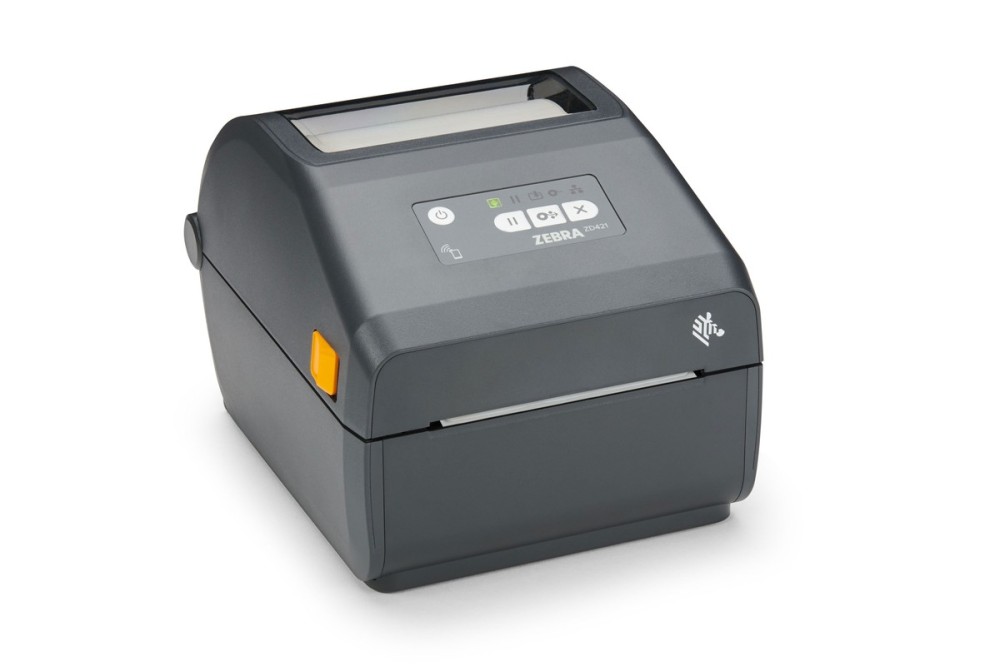
| Desktop | Plastic housing, partly metal print mechanism | Tens to hundreds of labels a day, intermittent | Shelf labels, asset tags, small outbound batches |
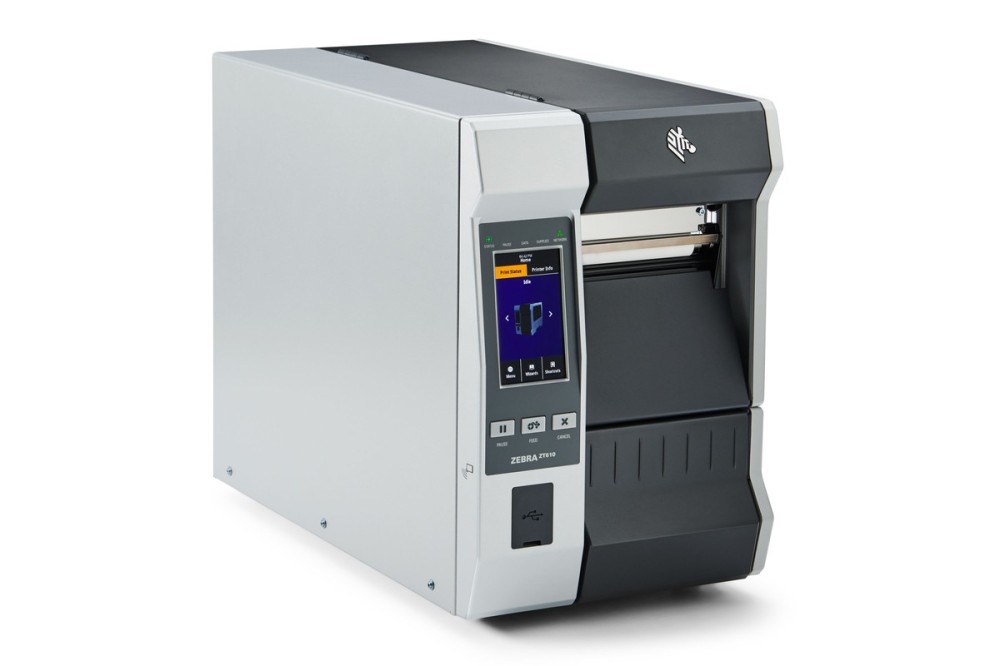
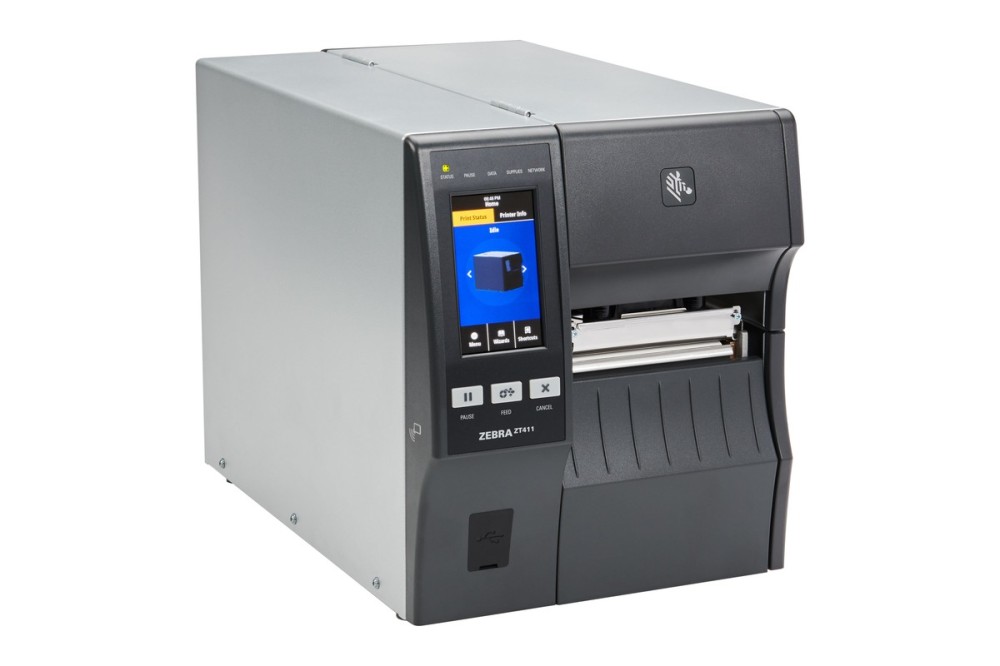
| Industrial | Full metal frame and mechanism, large roll capacity | Thousands a day, continuous shifts | In-line printing, warehouse dispatch, carton labels |
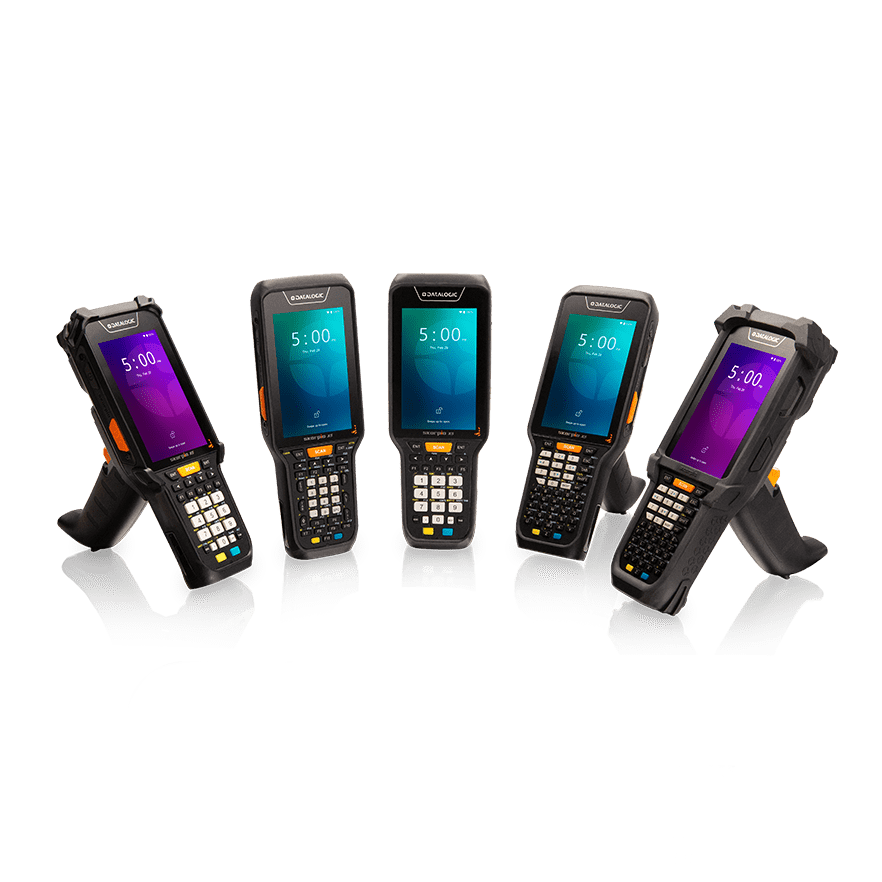
| Mobile | Battery powered, Bluetooth | Dozens per visit | Courier pickup, field service, stocktaking |
2. Work out daily volume first
Many desktop mechanisms use non-metal components and will drift in density after several hours of continuous printing. An industrial unit costs more because it can keep running, not because of its dpi. Above roughly a thousand labels a day, or a full shift of printing, industrial is the simpler answer.
3. Roll diameter decides how often you stop
Desktop printers usually take rolls up to 127 mm outside diameter; industrial models accept 200 mm and above. Where labels are consumed quickly, roll capacity matters more than resolution.
4. Interfaces follow the host system
- Standalone printing: USB is enough
- ERP, WMS or MES: Ethernet is the stable choice; serial suits older equipment
- Line integration or print-and-apply: needs ZPL or DPL command support plus IO or serial triggering
- Mobile order entry: Bluetooth, with pairing checked against the phone or handheld in use
5. Three common misjudgements
- Resolution only: 203 dpi is fine for shipping labels; 300 dpi earns its price on small barcodes
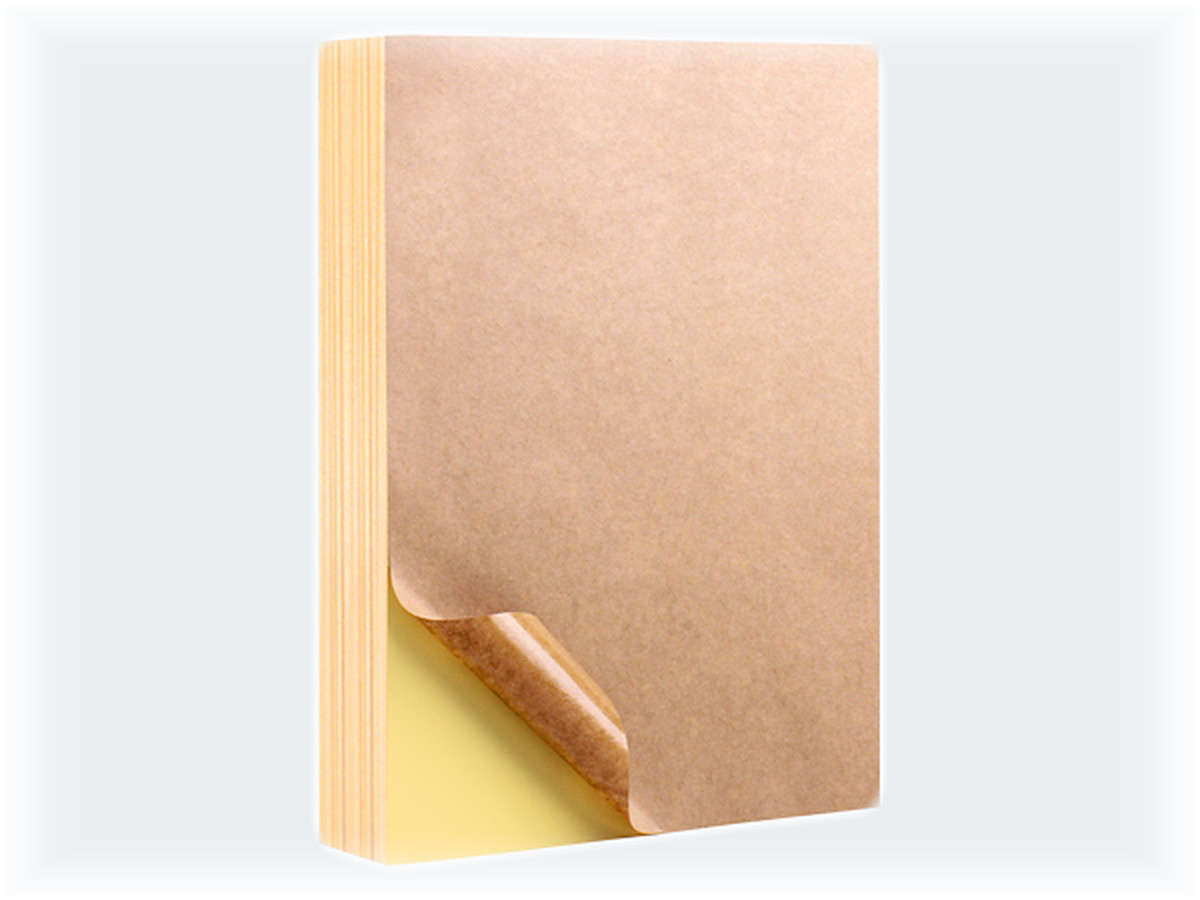
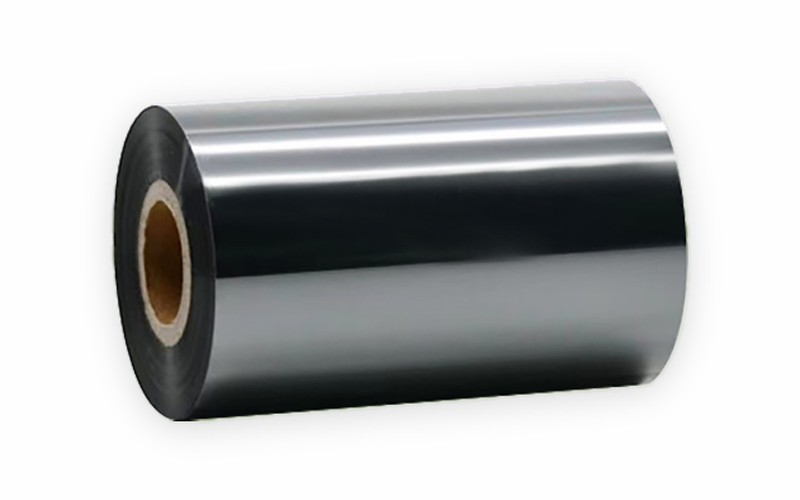
- Ignoring media compatibility: core diameter and ribbon winding direction must match the machine
- Ignoring options: peelers, rewinders and cutters are cheaper ordered with the printer than added later