300 dpi or 600 dpi: Choosing Label Printer Resolution
Higher resolution is not automatically better. The choice between 300 and 600 dpi follows from the smallest module on the label, not from the budget.
1. What a dot is worth
At 300 dpi the dot pitch is about 0.085 mm; at 600 dpi, about 0.042 mm. A bar needs at least three dots to form reliably, which gives:
| Resolution | Dot pitch | Narrow bar at 3 dots | Smallest sensible label |
|---|---|---|---|
| 203 dpi | ~0.125 mm | ~0.375 mm | Shipping labels, carton marks |
| 300 dpi | ~0.085 mm | ~0.25 mm | Product and location labels |
| 600 dpi | ~0.042 mm | ~0.13 mm | Micro QR, cable tags, components |
2. When 600 dpi is required
- Labels under 25 mm wide that still carry readable text and a 2D code
- Data Matrix or micro QR with modules below 0.2 mm
- Cables, test tubes and chip trays where the printable area is tiny
- Contracts that specify a barcode grade on very small labels
3. What 600 dpi costs
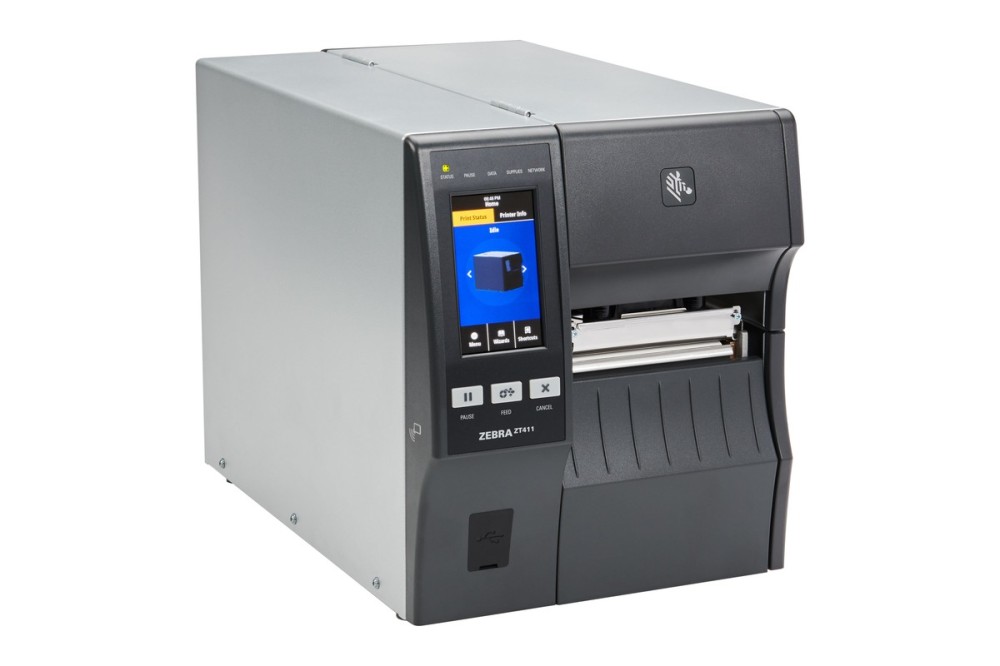
On the same 4-inch platform, a 600 dpi head has twice the dots, so print speed falls and both head and ribbon cost more per label. For large solid areas or several thousand labels a day, 600 dpi is money spent on nothing.
4. Order of decision
- Measure the smallest module on the label
- Convert it to a required dpi using the three-dot rule
- Check label width and volume to fix the printer class
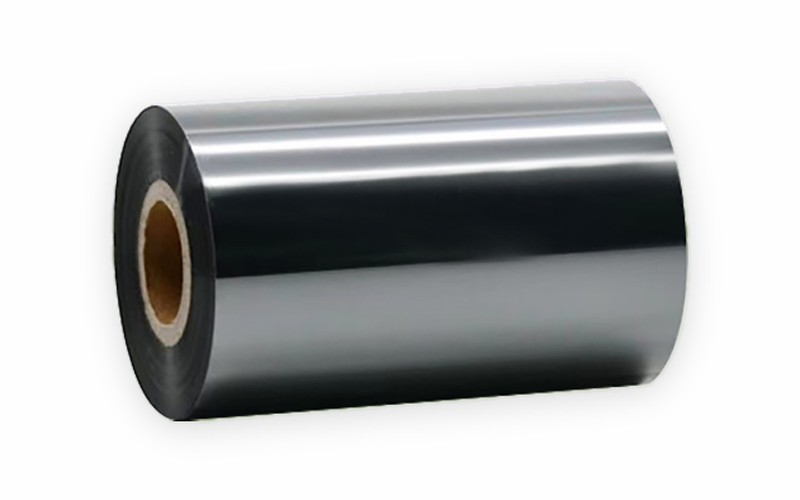
- Confirm ribbon and face stock can hold that precision
A 300 dpi printer with the wrong ribbon can grade worse than 203 dpi with the right one.