Label Wrinkling and Faint Print: Six Things to Check
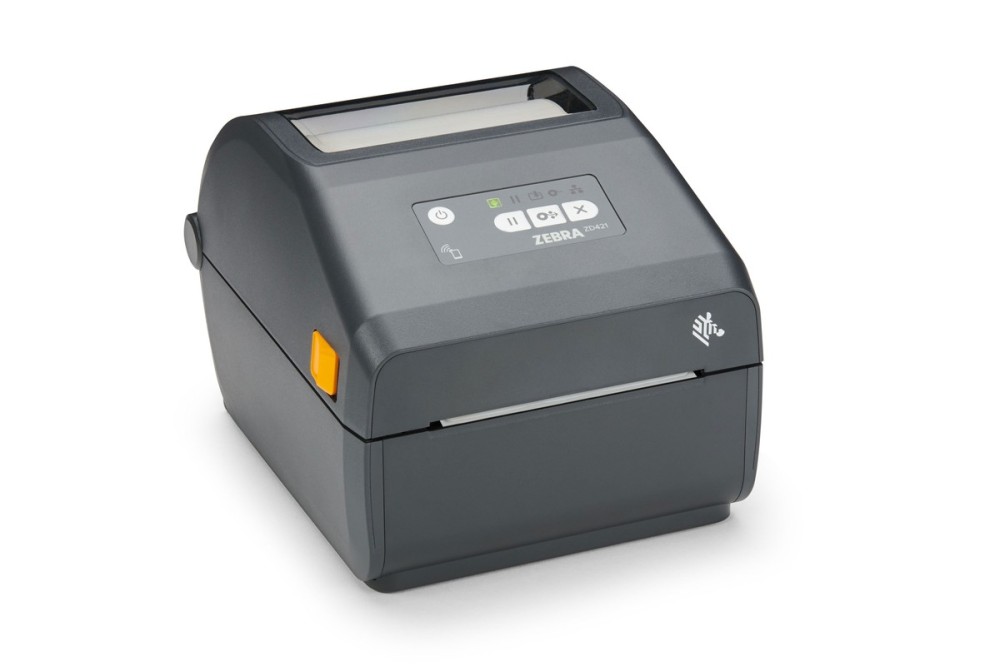
Wrinkles and faint print are the two most common complaints at the printer. The head is usually blamed first, while the cause is more often media or settings.
1. Crease or light print
A crease runs diagonally or lengthwise and leaves a blank line where it crosses. Faint print is low density across the label or in patches, with soft barcode edges. Different causes, different checks.
2. Four causes of creasing
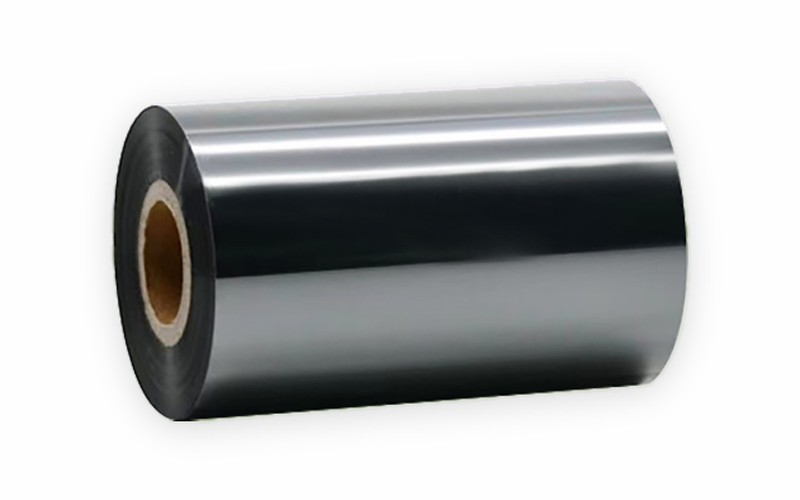
- Ribbon narrower than the label, so the head edges press on the label and pull the ribbon off track
- Uneven ribbon tension from a dragging supply or take-up spindle
- Left-right imbalance in head pressure
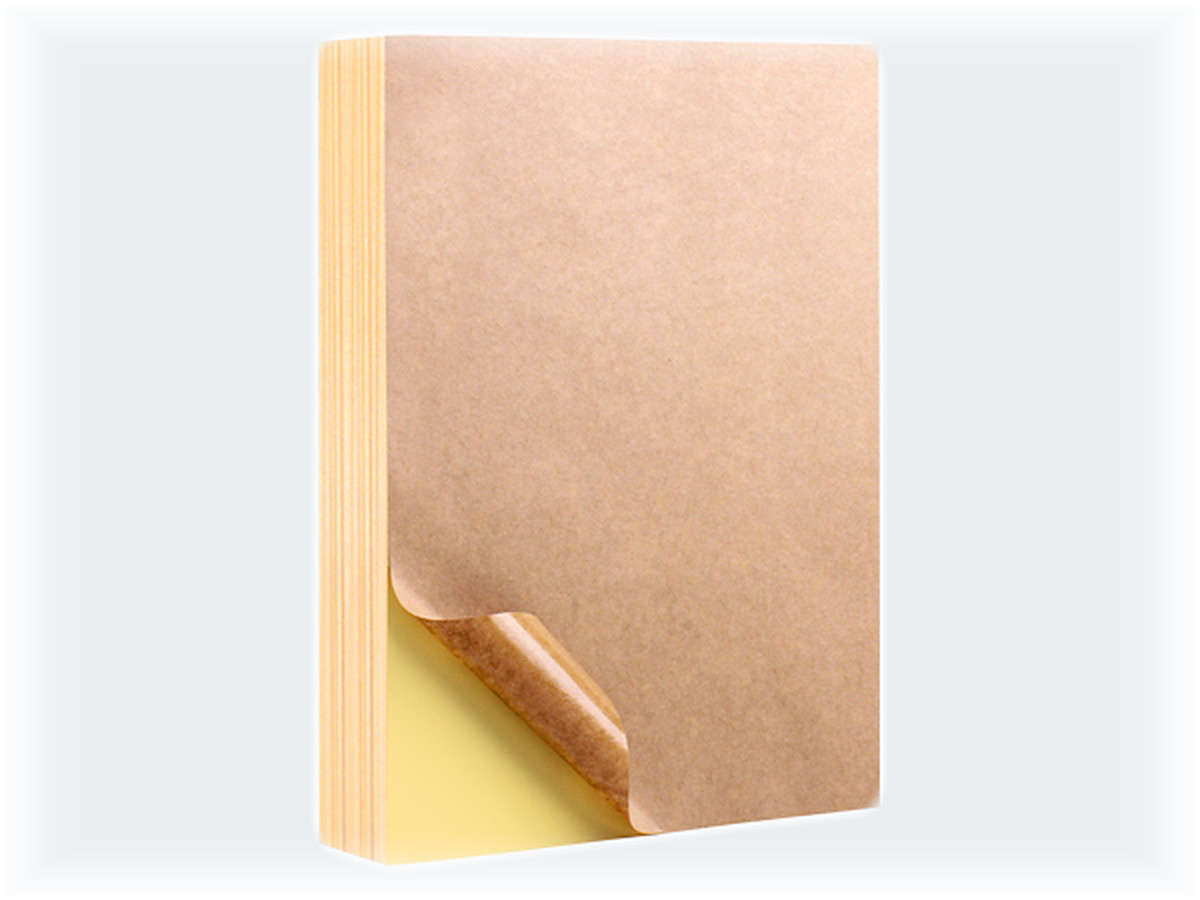
- Adhesive squeeze-out or poor die-cutting, gumming up the platen and causing slip
3. Four causes of faint print
- Density too low or speed too high, so ink does not fully transfer
- Ribbon and face stock mismatched, for example resin on coated paper
- Carbon build-up on the head, which insulates the elements
- Low ambient temperature, as in a cold store or an unheated shop in winter
4. Work in this order
- Fit a fresh roll from the same batch to rule out one bad roll
- Check ribbon width, winding direction and core
- Adjust left-right pressure and see whether the crease moves
- Try lower speed and higher density, one change at a time
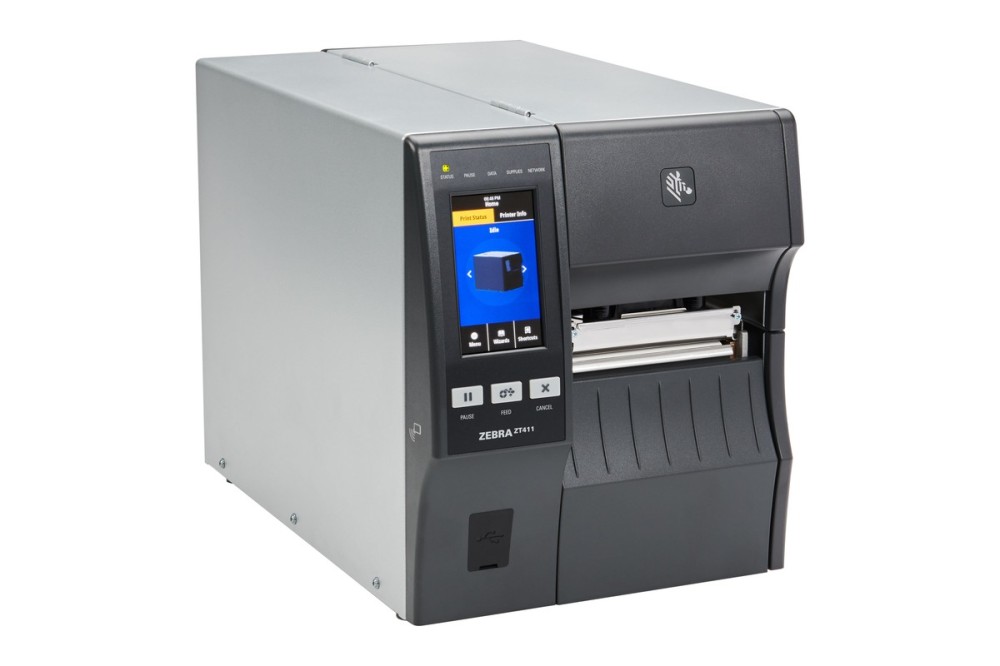
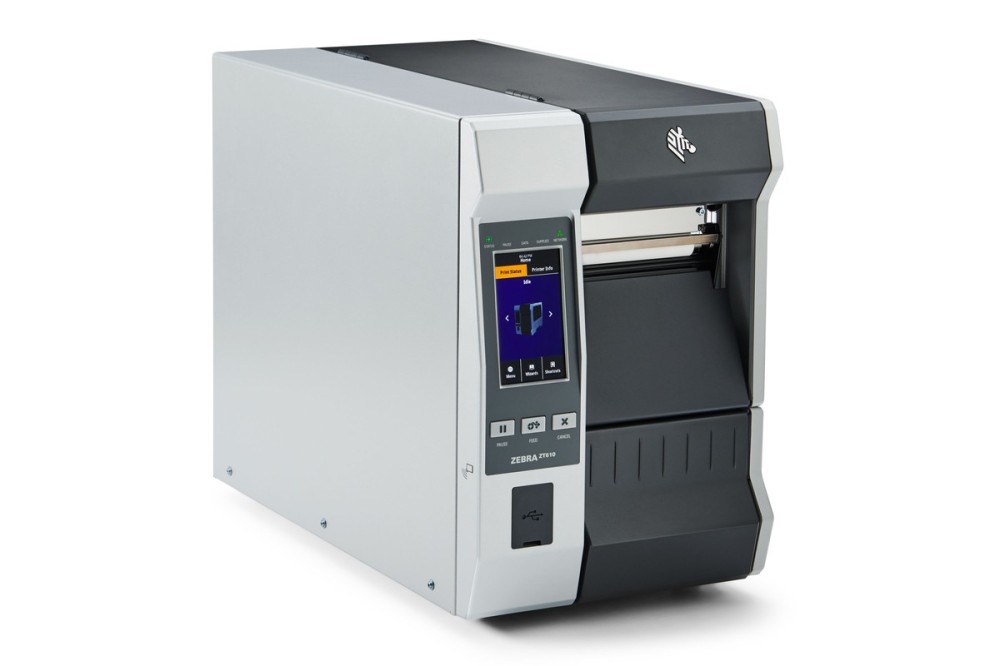
- Clean the printhead and the platen roller
5. Clean or replace
Use isopropyl alcohol on a lint-free wipe, in one direction along the element row. Never use blades, abrasive paper or cleaning cards with grit. A fixed vertical white line that survives cleaning means damaged elements, and the head has to be replaced. Clean adhesive off the platen the same way, and replace the roller if the build-up is heavy.