Wired, Wireless or Batch: Choosing a Barcode Scanner
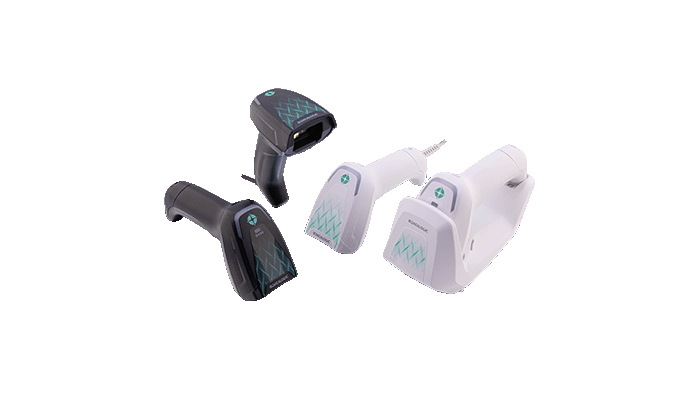
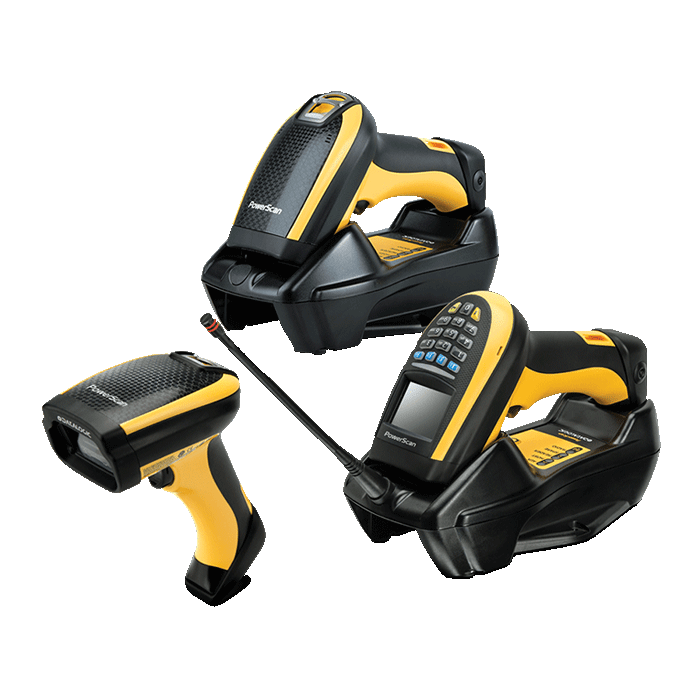
Most scanner decisions come down to the link: wired, wireless or batch. These are three ways of working, not three price tiers.
1. The three links
| Link | Transport | Strengths | Limits |
|---|---|---|---|
| Wired | USB or serial | Stable power, no charging, low latency | The cable is a wear item and movement is confined |
| Wireless | Bluetooth or 2.4 GHz base | Free movement along racks and aisles | Charging, and range drops in metal or cold environments |
| Batch | On-board memory, uploaded in the cradle | Works without a network, good for stocktaking | Delayed data, needs upload software |
2. Four questions that decide it
- Working distance: fixed station or cable-bound task means wired; walking the racks means wireless
- Real-time needs: inventory that must sync immediately needs wireless; a stocktake is summarised later, so batch will do
- Battery: estimate scans per shift; in a cold store specify a low-temperature battery
- Environment: dust, washdown and drop height set the sealing and ruggedness grade
3. Easy to miss
- USB scanners usually offer keyboard-emulation and virtual-COM modes; confirm which the ERP expects
- The wireless base both charges and receives, so plan power and network at the station
- Metal racks, cold stores and screened workshops shorten the practical range well below the datasheet figure
- Symbology enablement and prefix/suffix settings live in configuration codes; recheck them after changing the host