Seven Reasons a Barcode Scanner Will Not Read a Label
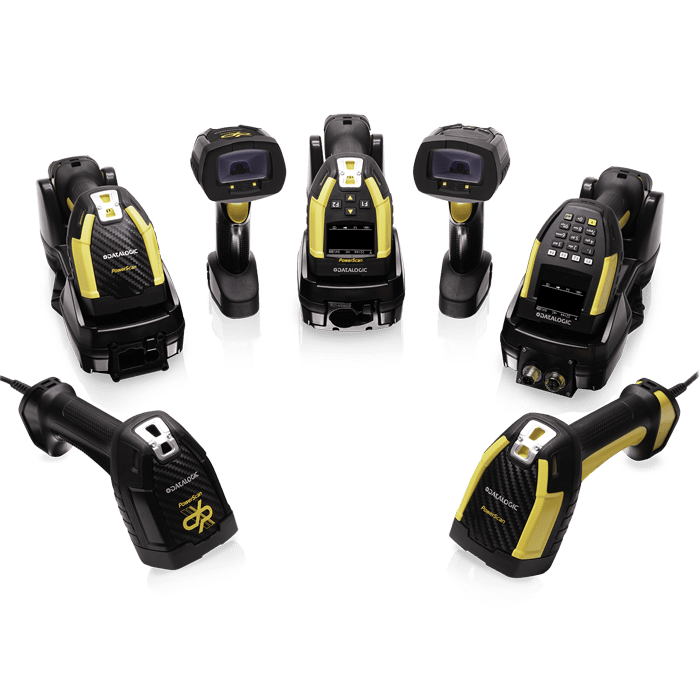
"The scanner will not read" is one of the most frequent reports from the floor. Most cases can be located in ten minutes if the checks run in order.
1. Rule out the obvious
A dirty window, a loose cable and a host that is not focused on the input field account for a fair share of tickets. Confirm the good-read beep and the cursor position before going further.
2. The seven causes
- Wrong working distance: too close or too far. Dense small codes need a nearer read; large carton codes need distance.
- Surface glare: laminated labels, metal plates and curved bottles all throw a highlight band under shop lighting. Change the angle, or add a polarising accessory on an imager.
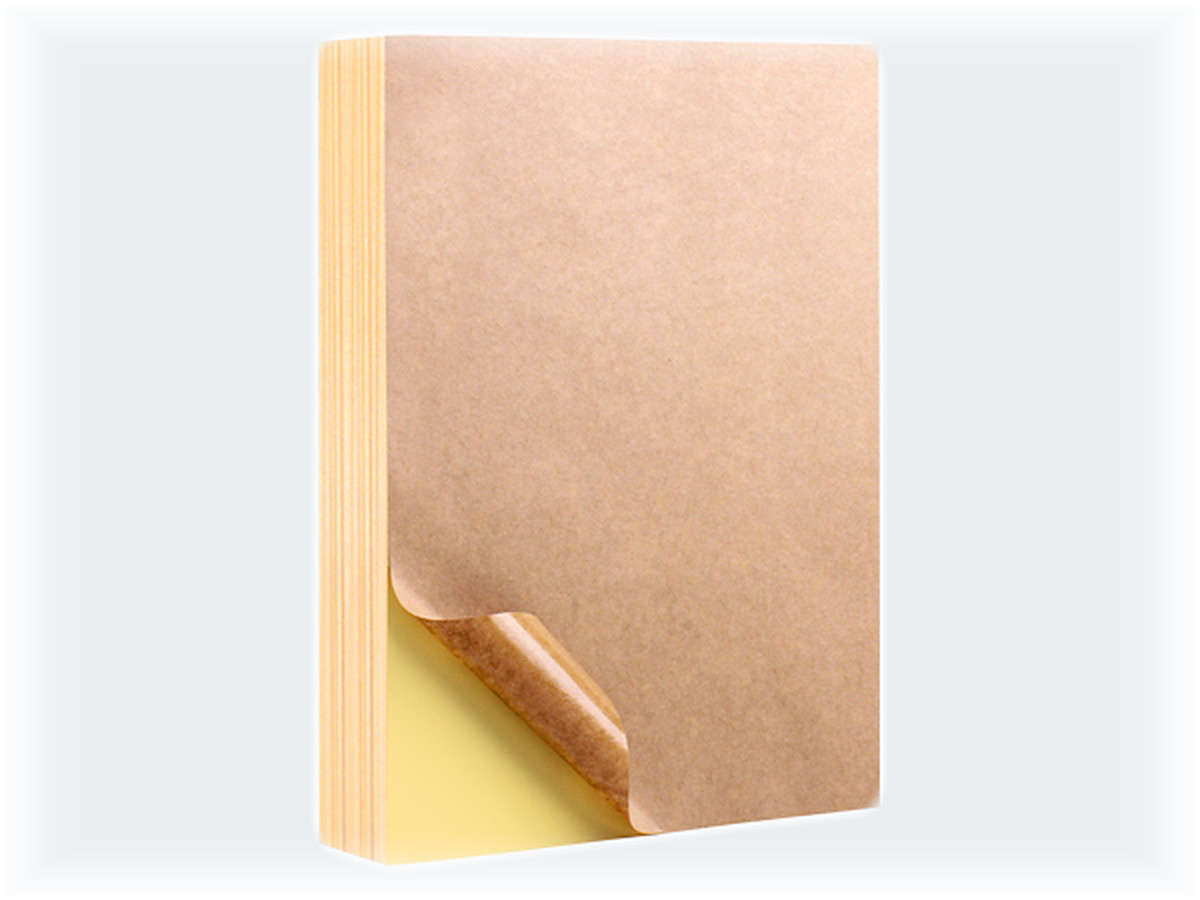
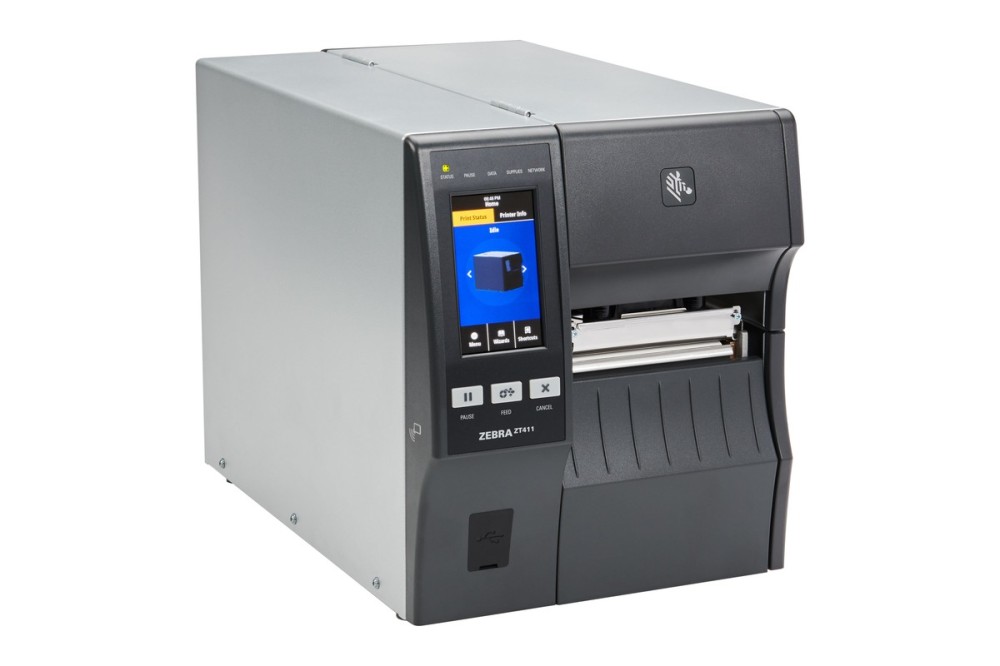
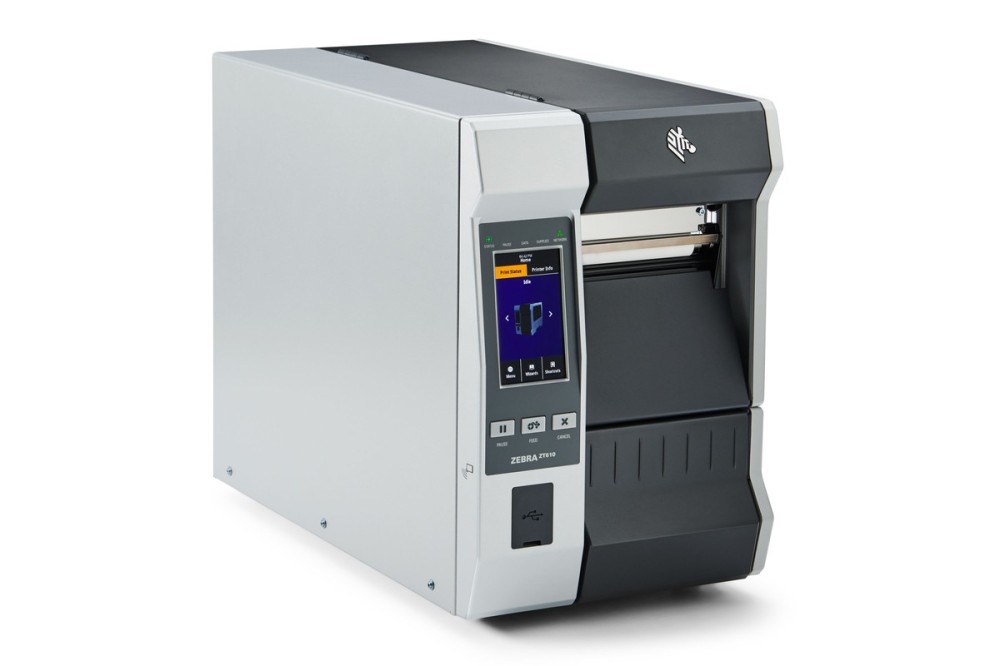
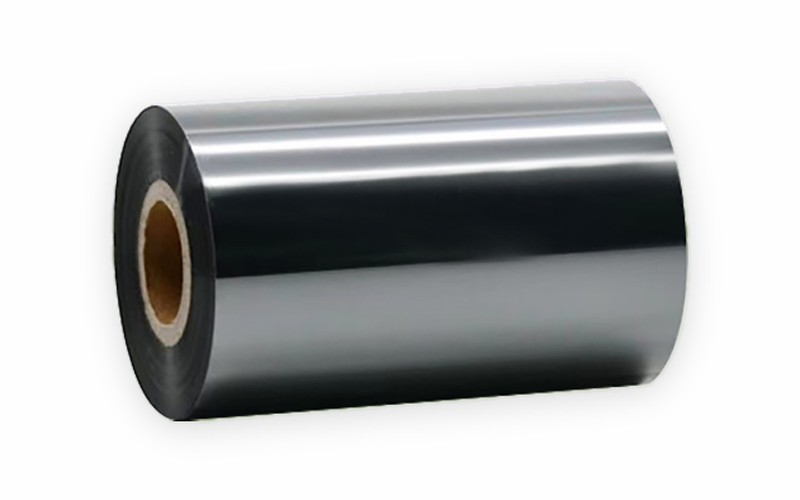
- Poor print quality: soft edges, bar-width error, insufficient quiet zone, low contrast. A different scanner will not fix this; the printer and media will.
- Damaged or covered code: creases, abrasion, tape or clear film over the symbol, beyond what error correction can recover.
- Screen codes: codes on phones and displays need an imager; laser models cannot read them.
- Symbology disabled: some units ship with only the common symbologies on, while Code 128, GS1-128 and Data Matrix must be enabled.
- Wrong interface mode: keyboard emulation sends data nowhere useful, or serial baud rate and parity do not match the host.
3. When the hardware is the problem
If another unit of the same model reads the same code, clean the window first, then check whether the configuration was changed. Where print quality itself is inconsistent, a higher-performance imager only masks the symptom; the printing and the label material are what need to change.